Typing practice for people who work with text
SkillsTyping: write faster, clearer, and more "team-ready" — in code and communication
This is not just a typing test. SkillsTyping blends keyboard rhythm, language accuracy, and practical workplace communication scenarios: ticketing, code reviews, standups, emails, client messages.
- Code typing: syntax, special characters, brackets, operators, long sequences.
- Communication mode: sentences for people — tone, precision, assertiveness, empathy.
- Modern work: fast replies, readable paragraphs, fewer misunderstandings.
Practice in short bursts. Safely: this is habit training, not a "race for your life" game.

Who is SkillsTyping for?
For people who actually work from a keyboard and want their text to keep up with their thinking. If you write code, documentation, team messages, or client updates — you train exactly what you do at work.
Remote work
Async standups, ticketing, feedback, and message negotiations — without noise.

Developers
Syntax, special characters, fast fixes, comments, and PR descriptions.

Hiring and live coding
Fewer typos, less stress. More room for logic and explaining decisions.

What do you actually improve?
Speed + precision
Instead of "fast but sloppy" — you learn rhythm. Speed rises while fixes go down. That matters especially in code, where a single typo means extra debug time.
- fewer errors in special characters
- better control of brackets and pairs
- smoother long sequences
Language + communication tone
You train sentences that "deliver meaning": short, concrete, courteous. You learn to write so the other side understands fast and does not trigger conflict.
- clear asks and status updates
- feedback without aggression
- polite assertiveness
How does it work?
- Pick a mode: Code typing or Communication.
- Train in short sets: rhythm → stability → speed.
- Get feedback: where you lose time (errors, rewinds, pauses).
- Move to more scenarios: PR, tickets, email, conversations, decision summaries.
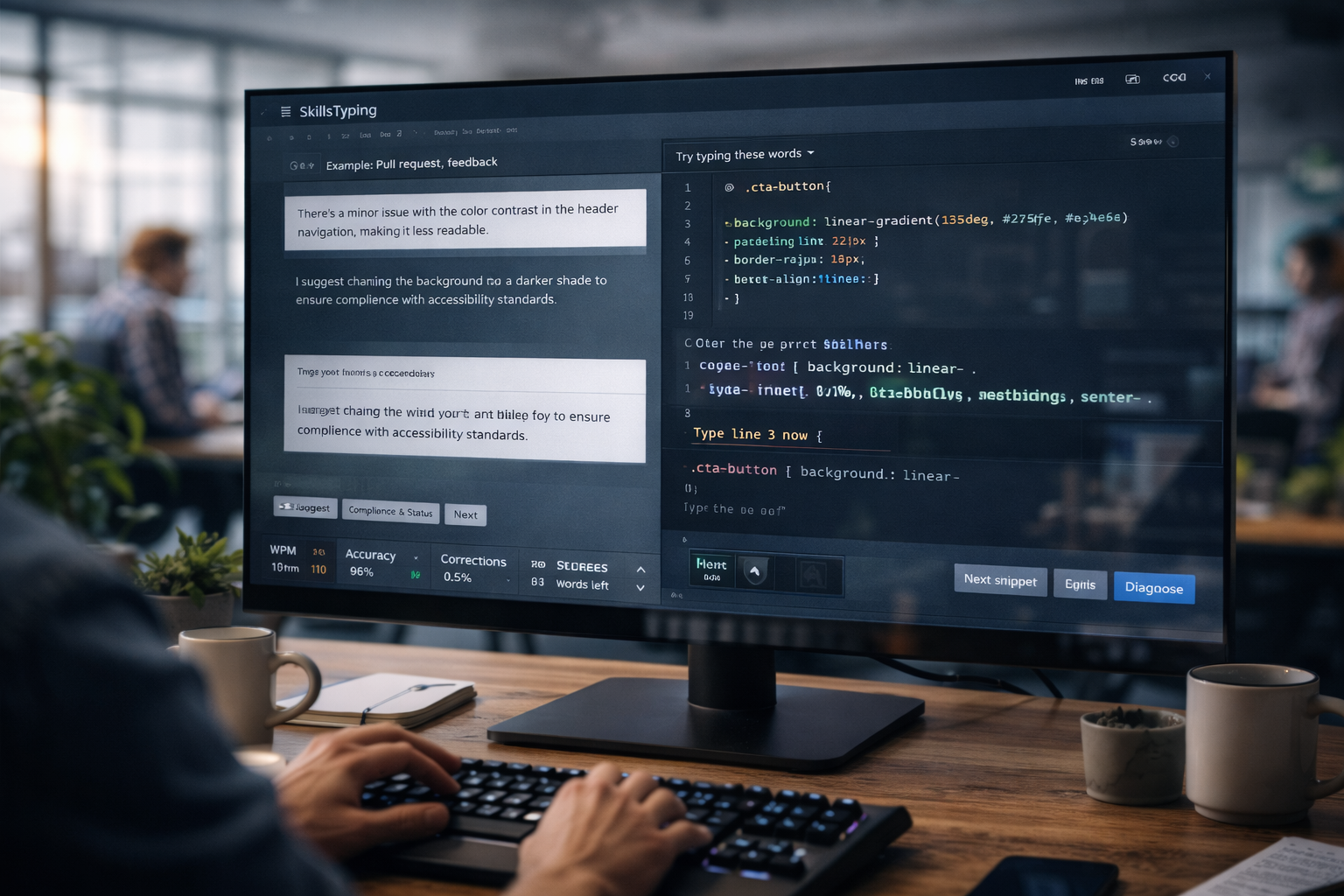
Sample training scenarios
This is what sets SkillsTyping apart from basic tests: you practice the texts you actually write at work.
"Ticket to the team"
Problem description, steps, expected result. Short, technical, no chaos.
"PR comment / code review"
Not just what to change, but why. Helpful tone, not attacking.
"Email to the client"
Status, risks, plan, and deadlines — in language non-technical people follow.
"Conversation and negotiation"
Civil assertiveness, boundaries, requests, and refusals — without escalation.
Start with 3 minutes a day
First stability and fewer mistakes. Then speed. Finally: comfort typing under stress (calls, live coding, deadlines).